For barbers
What should a barber's website include?
A barber's website should show the cuts you do, explain your services and prices, tell people where to find you, and make booking or getting in touch straightforward.
Make the first screen answer three questions
What kind of barber are you? Where do you work? What should someone do next? A visitor should not need to open a menu or read a long story to work that out.
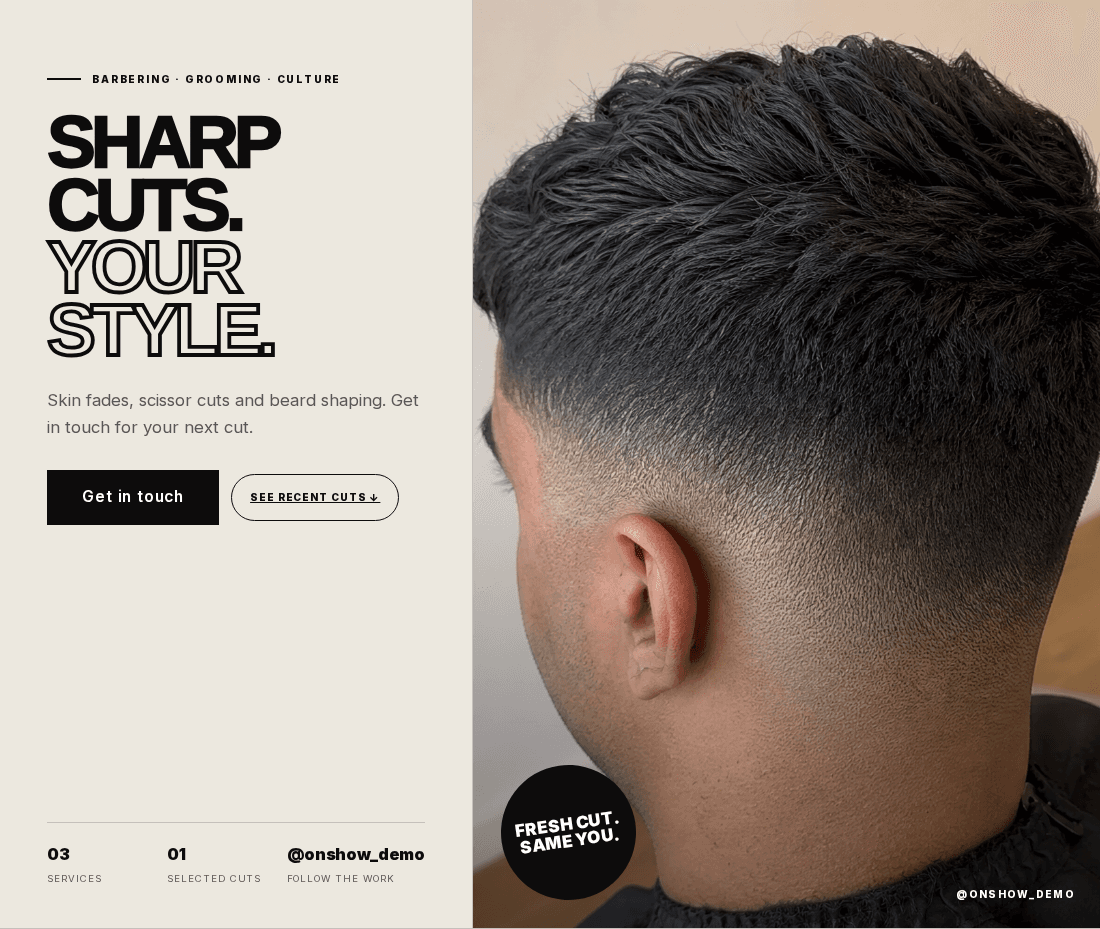
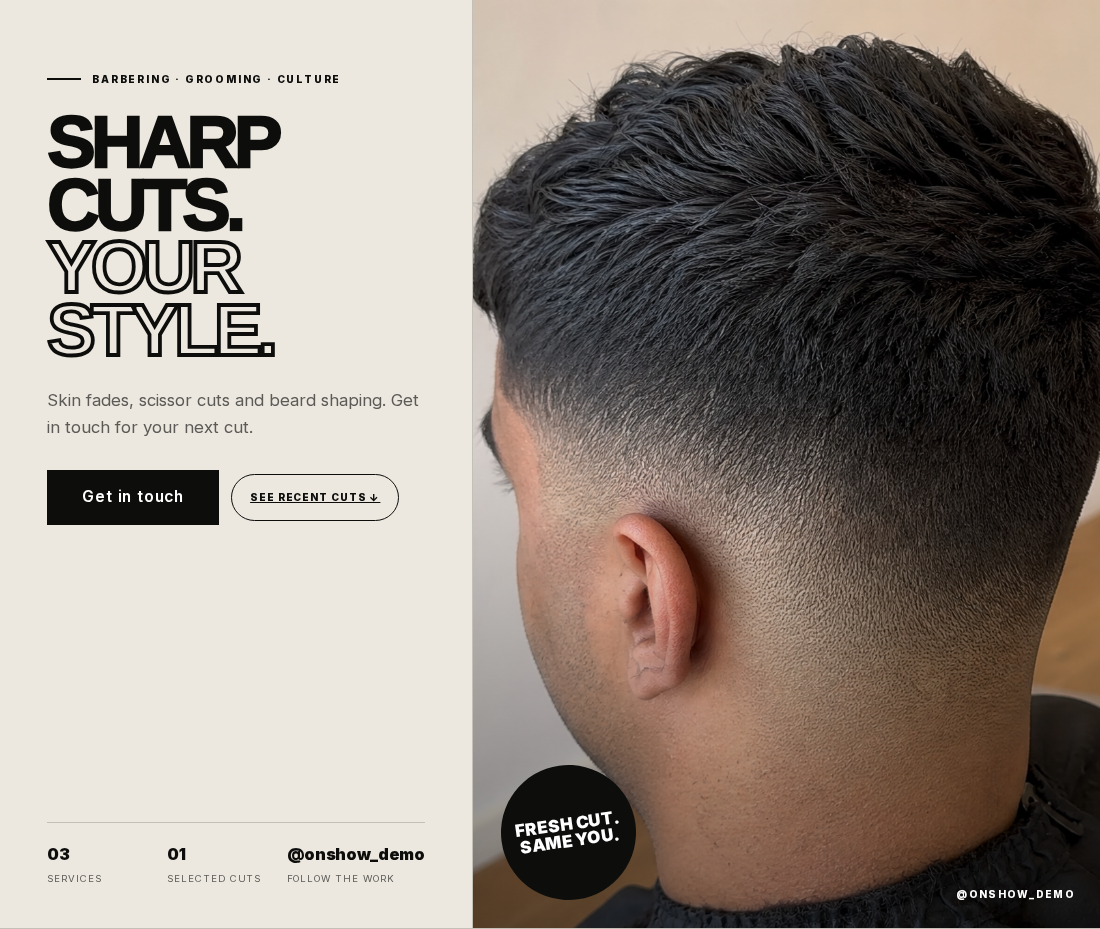
Lead with a strong photograph of a cut and a short introduction that reflects your actual offer. Include your shop name or working name, your area and a useful button. If customers book online, say so. If you arrange appointments by message, make that clear instead.
Choose cuts that help someone choose you
Your portfolio should show the work you want to be booked for. Include different angles where they reveal the shape or finish, and enough variety to show your range. Several near-identical photographs of one fade tell a visitor less than a small, considered selection.
Check every crop on a phone. Keep the relevant hairline, beard shape and finish in frame. Consistent lighting helps people judge the work; a dramatic filter can make that harder. Use photographs of work you can share, and avoid implying that somebody else's work is yours.
Explain services before someone has to ask
Separate the appointments that a customer can actually choose. A haircut, beard tidy and combined service may need different descriptions. Explain what is included, especially where similar names could confuse a first-time customer.
Show current prices when the service has a fixed price. If the price depends on the work, explain what changes it and how someone gets a quote. Use the currency your customers pay in. Include appointment durations only when you know they are accurate.
Service name
A name a customer recognises, such as haircut and beard tidy.
What is included
The parts of the appointment they should expect, described plainly.
Price and next step
The actual price or a clear explanation of how to get one, followed by the appropriate booking route.
Put practical details where people can find them
Include the correct address or service area, opening hours and useful arrival information. If you work inside another business, explain which entrance or reception to use. If you offer mobile appointments, describe the area you cover.
State whether you take walk-ins, appointments or both. Only include facilities, access information or parking details that you have checked. These are the details that help somebody turn up prepared.
Give booking a clear destination
Use one main action that fits the way you work. “Book an appointment” should open your booking service. “Ask about a cut” should open the contact route you actually use. Avoid a booking label if the button only leads to a general social profile.
OnShow can point people to your existing booking link or contact details. It is not a replacement for the appointment calendar in your booking provider. Test the link as a new customer on your phone, including any location or barber selection after the click.
Keep the website useful after launch
Add new representative cuts and update services when your offer changes. Check prices, hours and booking links at the same time. If you add reviews, use real feedback you are entitled to share rather than making up praise.
With OnShow, your public Instagram content provides a starting point for the preview. Review the wording and image framing, fill in missing details and keep the published site current through the editor. New Instagram posts do not automatically change the website.
Make it practical
Your checklist
- The first screen shows your work, area and next step.
- Photos keep the important part of each cut in frame.
- Services and prices match what customers can book.
- Address, hours and walk-in information are accurate.
- The booking or contact button works on a phone.
See it in context
From the guide to your kind of business.
Explore the design and the practical details, then try your own Instagram handle.
Explore websites for barbers