Show how you work
OnShow starts with the photos and business information on your public Instagram. Put your training environment and coaching style in view, then review the content before sharing it.
Websites for personal trainers
People see you training on Instagram. Give them a place to understand how you coach, explore your sessions and see if you're a good fit. Your website starts with your handle.
See your own websiteFree preview. No card. No signup to start.
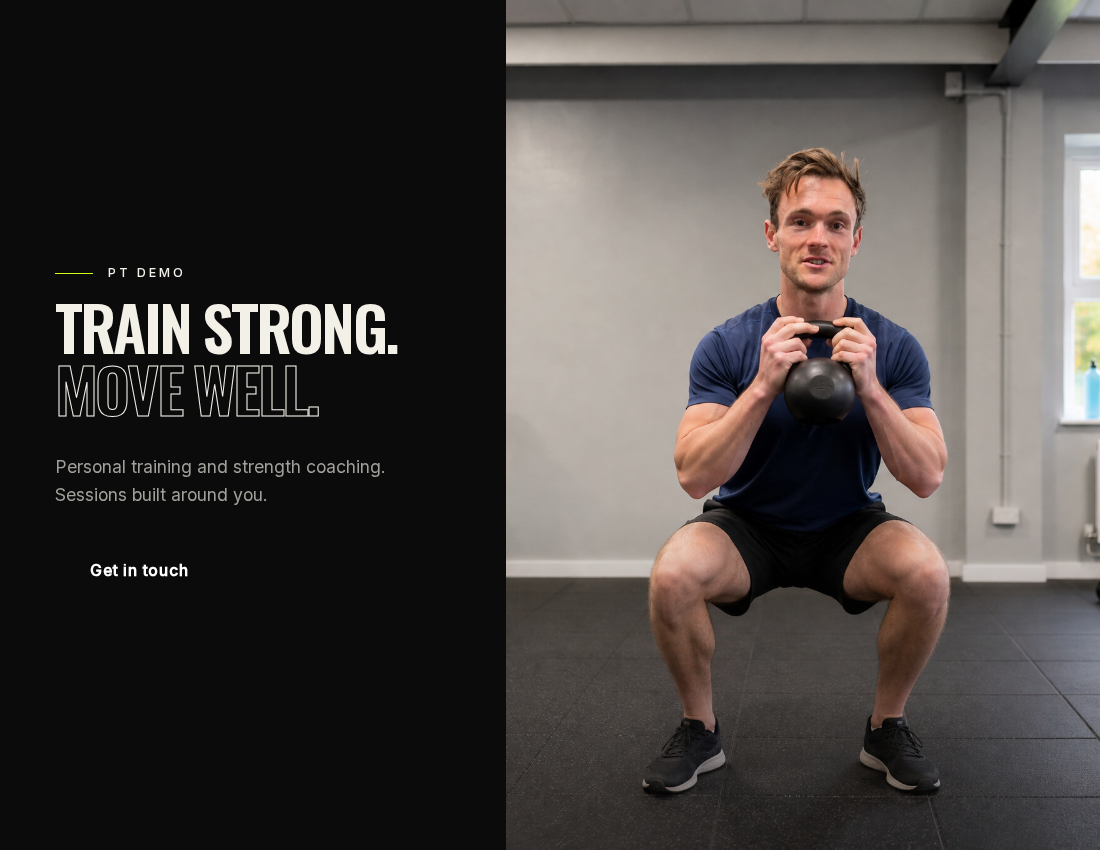
Built around your business
A potential client might like your posts but still wonder what a session involves, where you train and who you work with. Bring those answers together so they know what to ask when they get in touch.
OnShow starts with the photos and business information on your public Instagram. Put your training environment and coaching style in view, then review the content before sharing it.
Explain your one-to-one sessions, small-group training or online coaching, wherever these are part of your business. Edit the service names, descriptions and prices to match what you offer.
Give people a direct route to discuss their goals or book through the system you already use. Your website introduces your coaching; your existing tools handle appointments and client programmes.
The details matter
Someone choosing a trainer needs more than an exercise photo. Use your preview to introduce your approach and make the practical details easy to find.
My training was on Instagram. My website? Didn't have one. On Show turned what I'd already posted into this. My coaching. My sessions. So people can see if we're a good fit.
From handle to homepage
Start with your public Instagram profile. Your photos and business information give us the starting point.
Get a private preview in about a minute. Review the design and edit the details. Your unpaid preview lasts 14 days.
Confirm you have permission to publish and pay once. Then choose your address and share your link.
One payment. Your website.
Editing and hosting are included in every plan. No OnShow subscription. Domain purchase and renewal are separate.
Compare the plans$50 USD / £50 GBP / €50 EUR
One-off. A compact business page on an OnShow address, with OnShow branding. Full website and custom domain not included.
$99 USD / £99 GBP / €99 EUR
One-off. Your full website at yourname.onshow.ai, plus an optional Micro companion.
$179 USD / £179 GBP / €179 EUR
One-off. Everything in Launch. Connect a domain you already own and remove the OnShow credit.
If it's not right, tell us within 14 days and we'll refund you. Your site comes down when we do. Your checkout confirms the applicable currency and price.
A few practical answers
Paste your public Instagram handle into OnShow. Your photos and business information become the starting point for a private website preview. Check the content, make your edits and only pay when you want to publish.
Yes. Describe each service you offer and make the location or online format clear. Review the information brought into your preview so visitors understand what they can enquire about.
No. OnShow creates your public business website. Keep using your existing coaching app for workout delivery, progress tracking and private client information; your site can link to it.
You can add a link to your existing booking page or a way to contact you. Appointment availability, reminders and session payments stay with your current provider.
The preview is free. Micro is $50 USD / £50 GBP / €50 EUR for a compact business page. Launch is $99 USD / £99 GBP / €99 EUR for a full website and an optional Micro companion. Pro is $179 USD / £179 GBP / €179 EUR for everything in Launch, connection of a domain you already own and removal of the Made with OnShow credit. Each is a one-off payment with editing and hosting included. Domain purchase and renewal are separate. Your checkout confirms the applicable currency and price.
Yes. OnShow Micro brings a photograph, introduction, services and contact or booking links into a compact, shareable page. Switch between Full website and Micro in your free private preview before deciding. Launch includes the full website plus a Micro companion you can choose to enable.
Yes. Review your preview and edit your wording, photos, services, prices and contact details. You keep access to the editor after publishing, so you can keep your website up to date.
A useful next read
Work out when your Instagram business needs a website, what each channel does well, and what to put on a simple first site.
Read the guideYou've already made the work
Paste your Instagram handle.
Free private preview. No card. No signup to start.