Your words, in your voice.
Tap editable text to change a headline, tell your story or update the details. Review your wording and save it yourself.
The OnShow features
Built from your Instagram. Ready for your finishing touches. Everything you need to show your work, update the details and keep your business moving.
See your own websiteFree preview. No card. No signup to start.
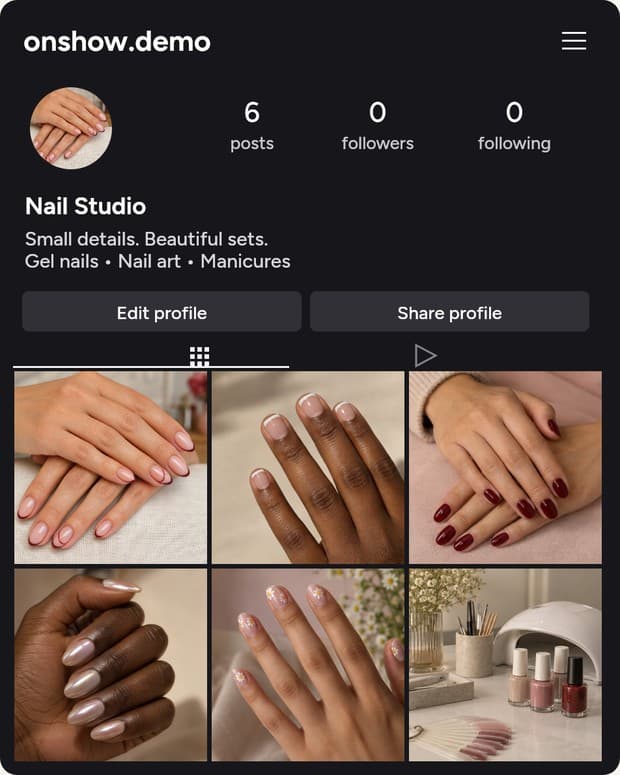
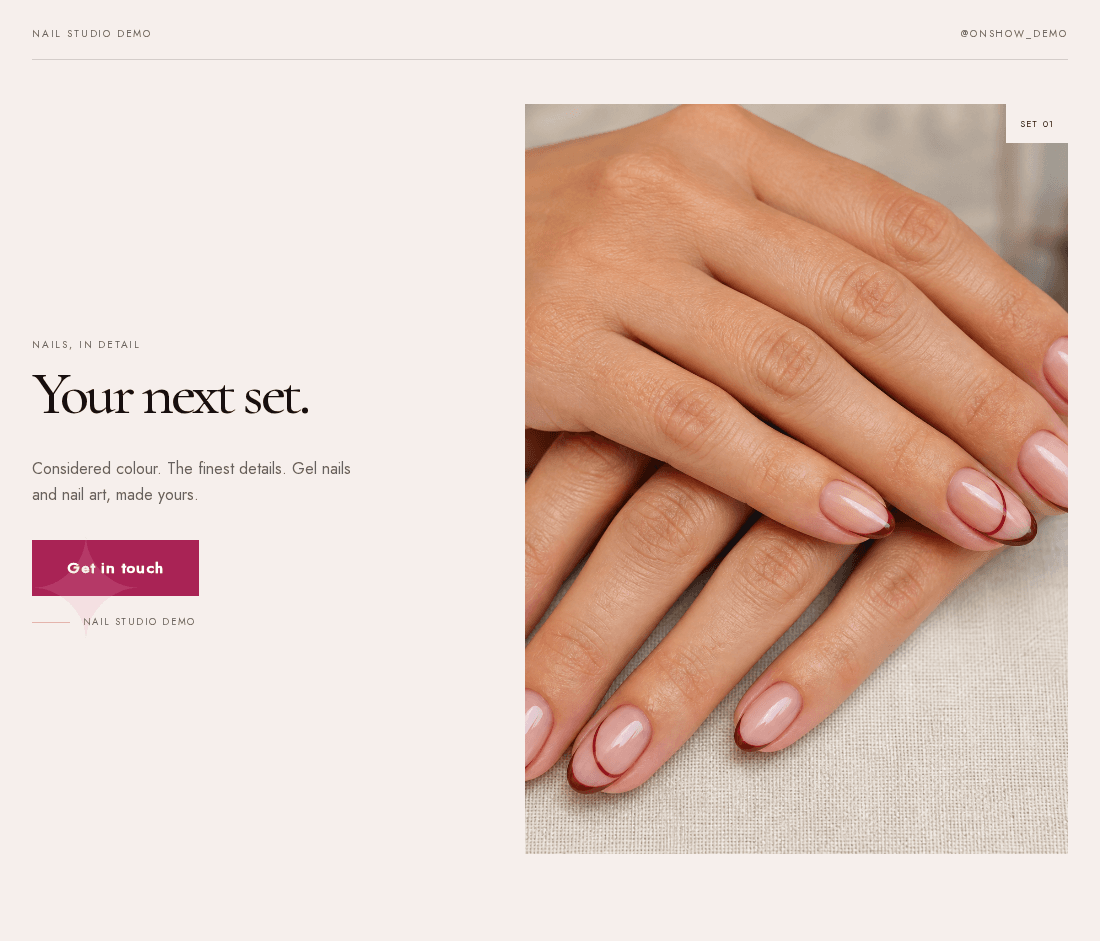
01 / A head start
You made the work. You took the photos. You posted them. Start with what's already there.
Paste your public Instagram handle. OnShow uses the available photos and business information to create a private website preview, with a design shaped around what you do.
See the whole processYour public profile is the starting point.
Check the design, photos and business details.
Edit, pay once, then choose your address and publish.
02 / You're in control
Keep the design you love. Update the details that matter. The editor stays with your website, before and after you publish.
Thoughtful details. A finish that feels like you.
Get in touch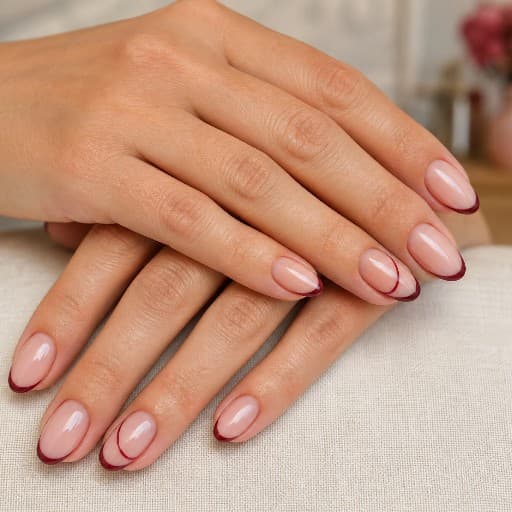
Try a few changes here. This is a simplified example; your own website opens in the full OnShow editor.
Tap editable text to change a headline, tell your story or update the details. Review your wording and save it yourself.
Choose from the photos brought into your site, replace an image, adjust its framing and reorder your gallery.
Add services, edit descriptions and prices, or hide something you no longer offer. Make it clear what people can come to you for.
Explore the colour palettes available for your design. Preview a choice, then apply it across your website.
03 / Bookings & enquiries
A question about your services. A time in your diary. Give visitors a simple way to get in touch or book, in a design that belongs with your site.
Enquiry forms and supported booking windows are included with Launch and Pro.
Compare plansVisitors choose a service and tell you what they need. The form uses the services on your site, including your edits. Remove or hide a service and it leaves the list too.
Choose and verify the email address that receives enquiries, then turn the form on. Messages arrive by email and stay available in your account. The form follows your site's colours and style.
Connect Calendly, Booksy, Acuity, Setmore, Timely, Treatwell (UK Connect), Mangomint or Boulevard and let visitors choose a time in a booking window. Or keep any public booking link as a direct button. You choose the wording and whether it becomes your main action.
Show selected photos in your gallery, keep your services up to date and manage it all in the same editor. Your full website adapts to phones, too.
04 / Meet OnShow Micro
A photograph, a few words about what you do, your services and a clear next step. Micro puts the essentials together in one compact page, ready for your bio, a message or a new introduction.
Choose Micro on its own for a focused introduction with your own shareable link. Review it, make it yours and decide when to publish.
Launch includes your full website and Micro. Manage the shared details in one editor, then choose whether to enable Micro alongside your website.
05 / The practical bits, handled
Hosting and editor access are included in every plan. One payment to publish, with no OnShow website subscription.
Micro and Launch give your page its own OnShow address. Add it to your bio, send it to a client or put it on your business card.
Connect a domain you already own and remove the Made with OnShow credit. You keep the domain registered in your name.
Domain purchase and renewal are separate, with your domain provider.
A few useful details
No coding is needed. Your public Instagram photos and business information give OnShow a starting point. You review the preview, fill in anything missing and use the editor to make the details yours.
Yes. Editor access is included after publishing, so you can update your wording, photos, services, prices and contact details as your business changes.
Your website is managed separately from your feed. New Instagram posts do not automatically update it. Use the editor to choose the work and information you want on your website.
With Launch or Pro, open Business in the editor and choose Enquiry form. Choose and verify the email address that should receive messages, then enable your form. Visitors choose from your current services or Something else. Services you hide or remove disappear from the form too. Enquiries arrive by email and are available in your account. No form is enabled until you choose to turn it on.
Keep your existing provider: every plan supports booking links. Launch and Pro can also open Calendly, Booksy, Acuity, Setmore, Timely, Treatwell (UK Connect), Mangomint and Boulevard inside your website or Micro companion. In Business → Bookings, add the public link, choose Take bookings and follow the provider setup. The provider handles availability, confirmations and payments. Its plans and fees are separate. Other providers, including Vagaro, open through their normal links.
The Micro-only plan includes contact and booking links. Launch and Pro also include optional enquiry forms and supported booking windows on the Micro companion. Both stay off until you choose to enable them.
Yes. Launch and Pro include both formats. They share your words, services and contact details, so you manage them in the same editor. Your full website stays at its main address; you choose whether to enable and share its Micro companion.
Micro, Launch and Pro are one-off purchases with hosting and editor access included. Choose Micro for a compact page, or Launch for a full website plus Micro. Micro and Launch use yourname.onshow.ai. Pro connects a domain you already own and removes the OnShow credit. Any domain purchase or renewal stays with your domain provider. See the plan comparison for current prices.
Yes. Start with a free private preview, with no card or signup needed to begin. Unpaid previews last 14 days. Confirm permission at checkout, then choose your address and publish.
Start with what you've already made
See your own website. Paste your Instagram handle.
Free private preview. Make your edits. Decide when you're ready.