Your photos become the starting point
OnShow reads your public Instagram profile and uses the available photos and business information to build a website preview. You do not need to start by uploading everything again.
Instagram to website
You've already taken the photos. Already described what you do. OnShow brings that work together in a real website, starting with one thing: your Instagram handle.
See your own websiteFree preview. No card. No signup to start.
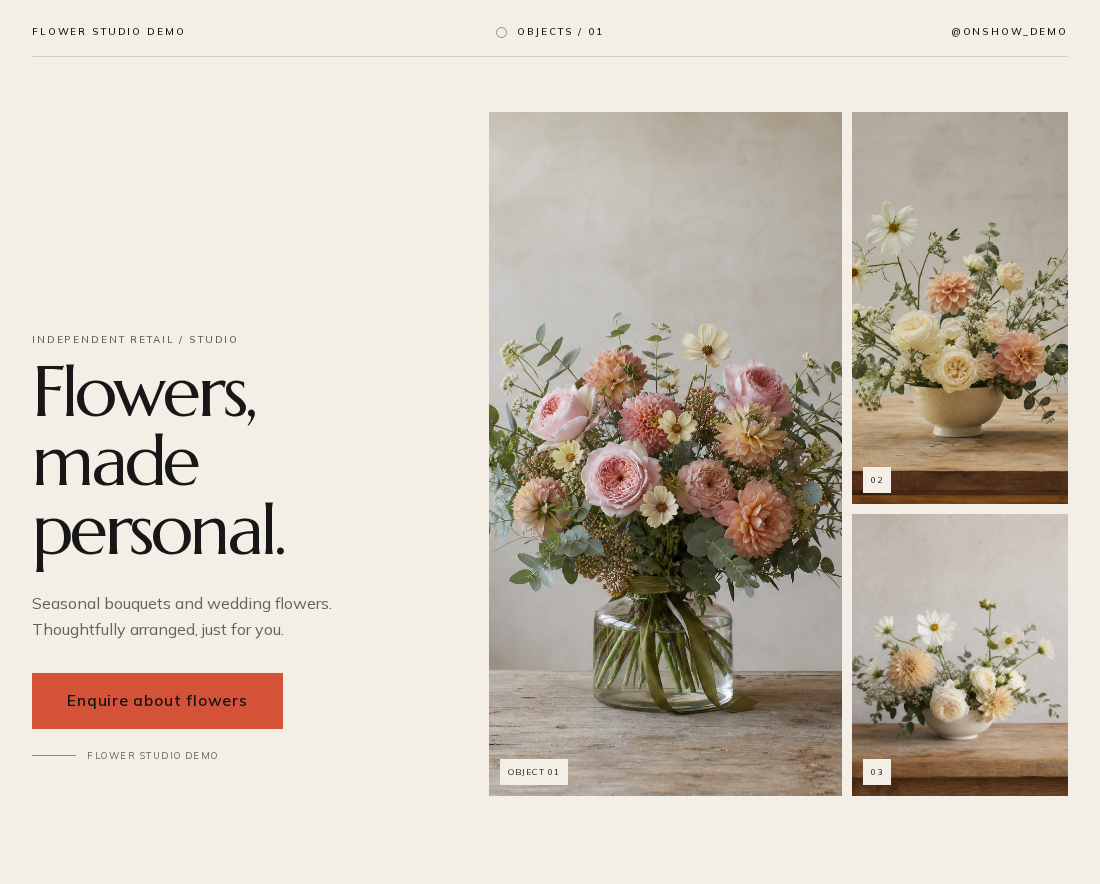
Built around your business
Your Instagram is a record of what you do. A website gives that work a different shape: an introduction, a portfolio, your services and a way to get in touch, on a link you can share anywhere.
OnShow reads your public Instagram profile and uses the available photos and business information to build a website preview. You do not need to start by uploading everything again.
Information already present in your profile helps shape your website content. You review what has been included, correct anything that needs attention and add missing details in the editor.
When you are happy, confirm you have permission to publish and pay once. Then choose your address and publish. Hosting is included. Choose Launch for an OnShow address or Pro to connect a domain you already own.
The details matter
Keep posting where your audience already follows you. Your website can sit in your bio, on a business card or in an enquiry reply, giving people one place to understand your work and take the next step.
Made for your kind of work
Websites for barbersWebsites for nail techniciansWebsites for floristsWebsites for personal trainersWebsites for makeup artistsWebsites for DJsWebsites for photographersWebsites for cake makersWebsites for tattoo artistsWebsites for hair stylistsWebsites for lash techniciansFrom handle to homepage
Start with your public Instagram profile. Your photos and business information give us the starting point.
Get a private preview in about a minute. Review the design and edit the details. Your unpaid preview lasts 14 days.
Confirm you have permission to publish and pay once. Then choose your address and share your link.
One payment. Your website.
Editing and hosting are included in every plan. No OnShow subscription. Domain purchase and renewal are separate.
Compare the plans$50 USD / £50 GBP / €50 EUR
One-off. A compact business page on an OnShow address, with OnShow branding. Full website and custom domain not included.
$99 USD / £99 GBP / €99 EUR
One-off. Your full website at yourname.onshow.ai, plus an optional Micro companion.
$179 USD / £179 GBP / €179 EUR
One-off. Everything in Launch. Connect a domain you already own and remove the OnShow credit.
If it's not right, tell us within 14 days and we'll refund you. Your site comes down when we do. Your checkout confirms the applicable currency and price.
A few practical answers
Paste your public handle or Instagram profile link into OnShow. We build a private website preview from the available photos and information. You can edit the result before choosing a plan, confirming permission at checkout and publishing.
No. OnShow builds a standalone business website with a design, content and contact links. It is not a live mirror of your Instagram grid. Future Instagram posts do not automatically become website updates; you manage your website in the editor.
No. The preview uses publicly visible information. At checkout, you confirm you have permission to publish the content. You do not share your Instagram password.
The preview needs publicly visible photos and business information. A private profile cannot provide that content. Use the public account that represents your business, and check the preview before publishing.
The preview is free, with no card or signup required to start. It stays private and expires after 14 days if you do not publish. Going live is a one-off purchase, with hosting included.
The preview is free. Micro is $50 USD / £50 GBP / €50 EUR for a compact business page. Launch is $99 USD / £99 GBP / €99 EUR for a full website and an optional Micro companion. Pro is $179 USD / £179 GBP / €179 EUR for everything in Launch, connection of a domain you already own and removal of the Made with OnShow credit. Each is a one-off payment with editing and hosting included. Domain purchase and renewal are separate. Your checkout confirms the applicable currency and price.
Yes. OnShow Micro brings a photograph, introduction, services and contact or booking links into a compact, shareable page. Switch between Full website and Micro in your free private preview before deciding. Launch includes the full website plus a Micro companion you can choose to enable.
Yes. Review your preview and edit your wording, photos, services, prices and contact details. You keep access to the editor after publishing, so you can keep your website up to date.
A useful next read
Work out when your Instagram business needs a website, what each channel does well, and what to put on a simple first site.
Read the guideYou've already made the work
Paste your Instagram handle.
Free private preview. No card. No signup to start.