For nail technicians
How to organise your nail portfolio, prices and booking link
Show a selection of sets, explain the services behind them and give each visitor a clear route to the right appointment. Your portfolio, price information and booking link should tell the same story.
Organise around the work you want to book
Start by selecting photographs that represent the services you currently offer. Show a useful mix of finishes, lengths and styles. Keep standout work visible, but include examples that help a customer understand your everyday appointments too.
Think in recognisable groups when you select the work: simple colour, detailed nail art, extensions or natural nail care, where those services are part of your offer. This is a way to organise your content; the website does not need a complicated filter or a page for every possible design.
Let the photographs answer useful questions
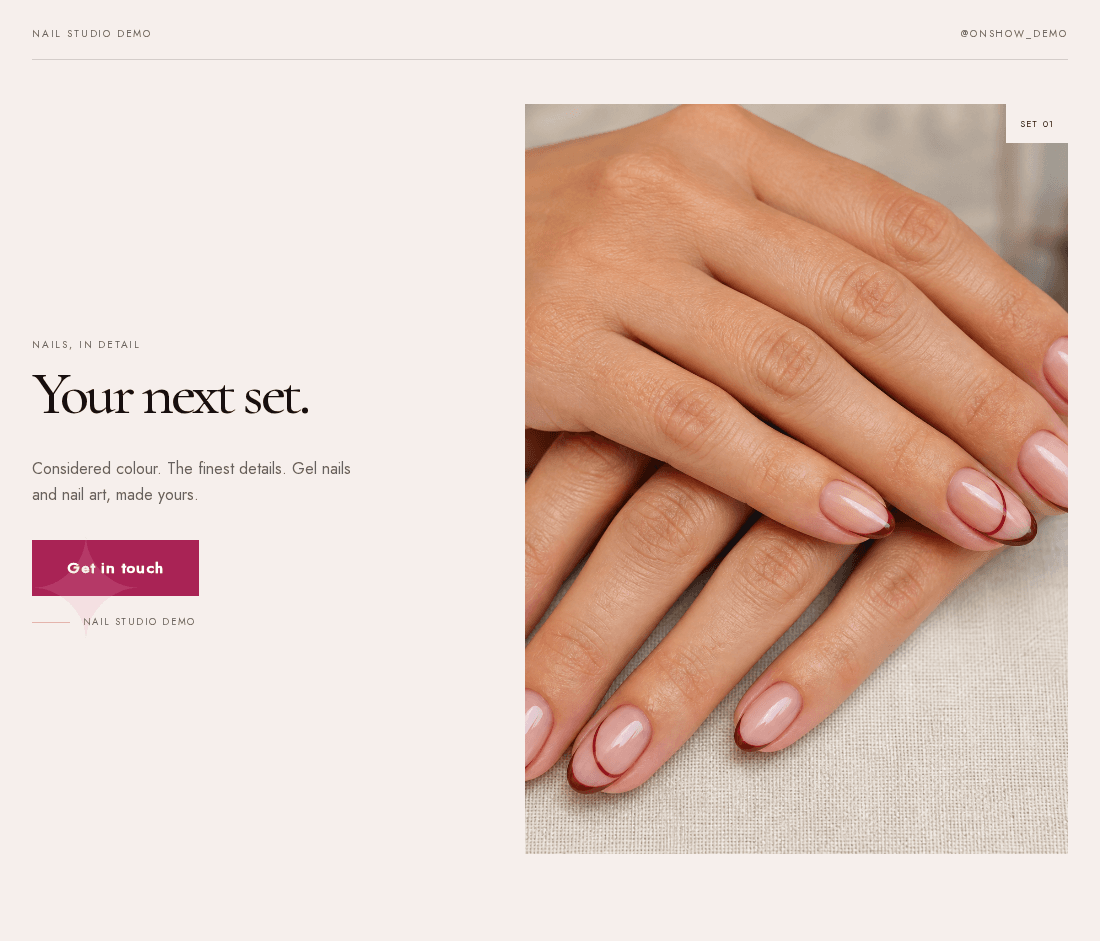
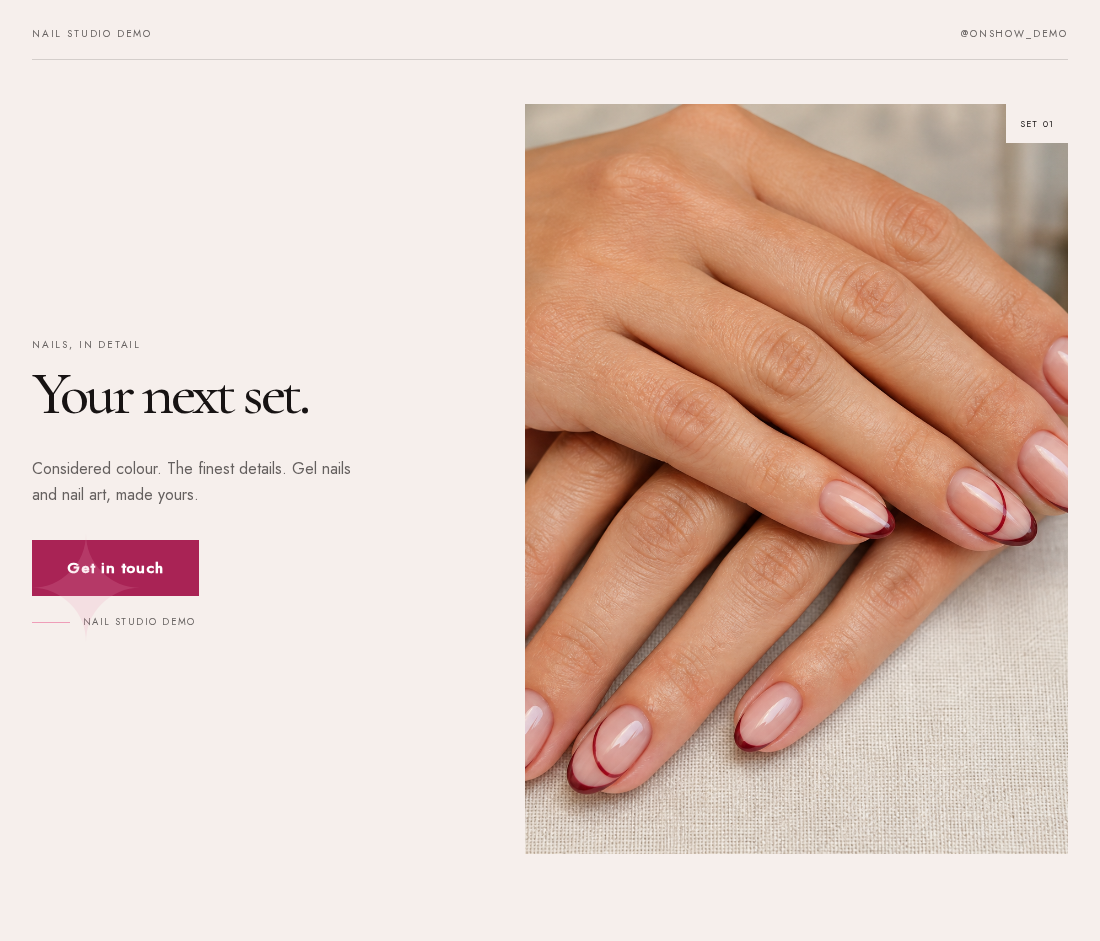
A close view can show finish and detail; a wider view can make shape and length easier to judge. Keep the full set in frame where possible, and check that the mobile crop still shows the work you want someone to notice.
Use clear service wording alongside the portfolio. A customer may love a photograph without knowing what appointment to select. If a design requires extra art time or a different service, explain how to ask for it rather than leaving them to guess.
Separate the base service from the extras
A price list becomes confusing when it mixes a full appointment with optional extras. Explain the base service first, then any separately charged removal, repair or art options you offer. Use your actual prices and the currency you charge.
If you use a “from” price, say what can increase it. If detailed art needs a quote, tell the customer what to send: a reference image, preferred length and any other details you need. Avoid presenting an example price as if every set will cost that amount.
Base appointment
Name the service and explain what the quoted price includes.
Optional extras
Describe the extras you offer and whether they affect the price or appointment choice.
Something more detailed
Explain how to request a quote and what information you need to provide it.
Send people to the right appointment
Link to the booking page you actually use, ideally the relevant location or service selection. Match the names on your website to the names in that booking system, so someone does not have to translate between them.
OnShow provides a route to your existing booking provider or contact channel. Availability, appointment confirmation and any booking deposit are handled wherever that link leads. If you arrange bookings through messages, explain what the enquiry should include instead of implying that a time slot has already been reserved.
Explain what a new client needs to know
Add your location or service area and the practical information you routinely send before a first visit. This might include how to find the studio, whether removal needs to be booked separately and where to read your cancellation policy.
Keep instructions consistent across the website and booking provider. Only describe policies and services that are actually yours. A short, accurate explanation is easier to use than a long list copied from another salon.
Review it as a first-time customer
Open the site on a phone and choose a set you like. Can you work out what to book, what affects the price and where the appointment happens? Follow the booking link without completing a booking and check that the next screen makes sense.
OnShow can build a starting preview from the available content on your public Instagram profile. Check the selection, correct the service details and add anything missing in the editor. Future Instagram posts do not update the website automatically.
Make it practical
Your checklist
- Your selected sets represent services you currently offer.
- Photos show the full shape and finish on mobile.
- Base prices and optional extras are easy to distinguish.
- Website service names match the booking provider.
- A new client can find your location and practical details.
See it in context
From the guide to your kind of business.
Explore the design and the practical details, then try your own Instagram handle.
Explore websites for nail technicians